
On this page
DIRECT ANSWER
Use the first console login prompt and do not skip it
Prepare before the first console login
Confirm the email address used for your existing Aniimo Pass before opening the game on PS5 or Xbox. Also confirm which server contains, or will contain, the character you want to keep. The launch FAQ lists America, Europe, and APAC as separate service regions. Progress in one region does not move to another region.
- Use a PSN or Microsoft account that has not already logged into Aniimo.
- Have access to the email account connected to the intended Aniimo Pass.
- Confirm the intended server before creating a second character.
- Do not rely on a platform username alone to identify the game account.
Link the existing Aniimo Pass
On the first console login, complete the account-linking popup before starting the game. The popup is the only documented opportunity to attach that PSN or Microsoft account to an existing Aniimo Pass. If it is skipped, the platform account signs in with a newly registered Aniimo Pass and cannot later be attached to the existing game account through the same flow.
- Read the email address shown before confirming the link.
- Finish verification while the first-login popup remains open.
- Do not select a new account when you intend to recover pre-launch rewards or prior account identity.
- If the wrong account is already linked, stop before spending and use official support rather than testing additional accounts.
How cross-progression and servers work
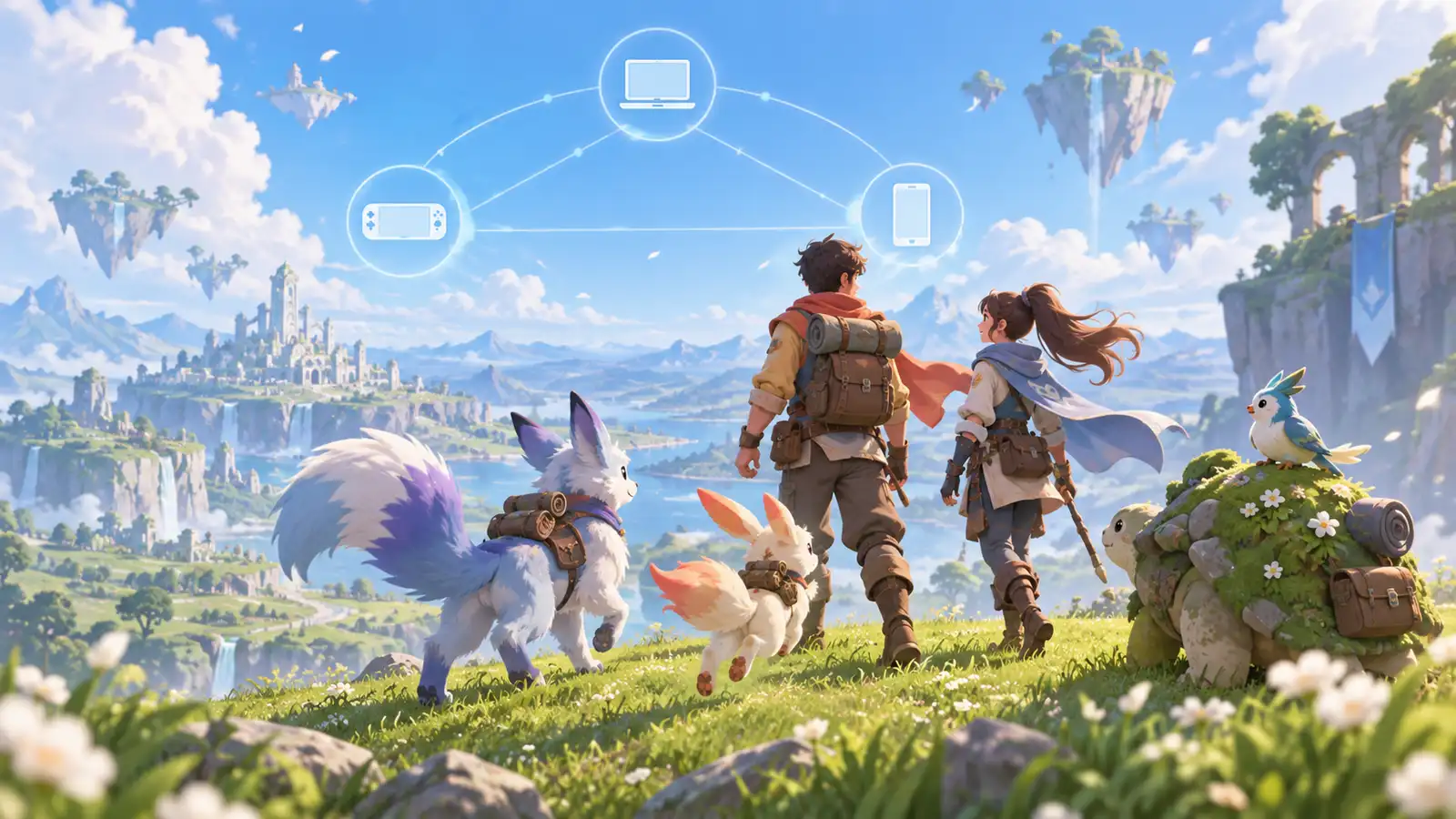
The official FAQ confirms that progress is fully shared across linked platforms within one server. This is cross-progression, and it is separate from cross-platform multiplayer. Server data remains independent. A character created on America does not become the same character on Europe or APAC, even when the same Aniimo Pass is used.
- America, Europe, and APAC have separate progression data.
- Linked platforms share the character only when they use the same server.
- PlayStation 5 assigns a server from the registered PSN account region.
- Aniimo does not document a cross-server transfer feature in the launch FAQ.
Claim console pre-order items before switching platforms
A PlayStation or Xbox pre-order pack must first be claimed by logging in on the console platform where it was purchased. After the eligible platform account is linked, claimed accessories and items can be used on other platforms in the same server. The purchase itself and the in-game claim are separate steps.
- Claim a PlayStation pack on PlayStation 5.
- Claim an Xbox pack through the eligible Xbox platform flow.
- Link the intended Aniimo Pass before claiming items.
- Keep the server consistent when using claimed items elsewhere.
What to do if the popup was skipped
Do not assume reinstalling the client will restore the one-time prompt. The official FAQ says the PSN or Microsoft account can no longer be linked to an existing game account after it has created a new Aniimo Pass. Record the platform account, the Aniimo Pass email you intended to use, the server, and the time of the first login, then contact official Aniimo support. Avoid unlinking accounts or buying another pack until support confirms the available recovery path.
Frequently asked questions
Does Aniimo have cross-progression?
Yes. The official launch FAQ says linked platforms share progress inside the same server. Progress is not shared between different servers.
Can I link my Aniimo account after skipping the popup?
The official FAQ says no. Skipping the first-login popup creates a new Aniimo Pass for that PSN or Microsoft account, which can no longer be linked to an existing game account through that flow.
Can I move an Aniimo character to another server?
No cross-server progression or transfer is documented. America, Europe, and APAC server data is independent.
How is the Aniimo server chosen on PS5?
The official FAQ says the PlayStation 5 server is assigned from the registered region of the PSN account. Confirm that it matches the server used on other platforms before linking.
Can console pre-order items be used on another platform?
Yes after they are claimed on the console platform where the pack was purchased, provided the eligible platform account is linked and the other platform uses the same server.
Do I need PlayStation Plus or Xbox Game Pass to claim a pre-order pack?
No. The official Aniimo FAQ says neither subscription is required to buy and claim a console pre-order pack.
REFERENCE RECORD